Evaluating the Pencil PSD 3D Editable Text Effect for Design Projects
In the realm of graphic design, typography often serves as the focal point of a composition. Whether creating a book cover, a marketing banner, or merchandise for print-on-demand services, the texture and dimensionality of text can significantly influence viewer engagement. The Pencil PSD 3D Editable Text Effect represents a specific category of digital asset designed to streamline the creation of hand-drawn, sketched aesthetics with three-dimensional depth. This article evaluates the utility, benefits, and limitations of this tool to help designers determine if it aligns with their specific project requirements.
Understanding the Asset
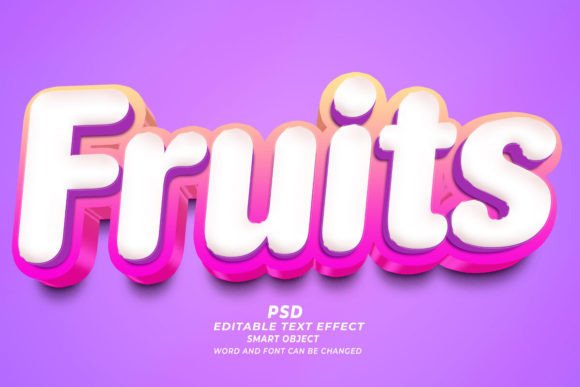
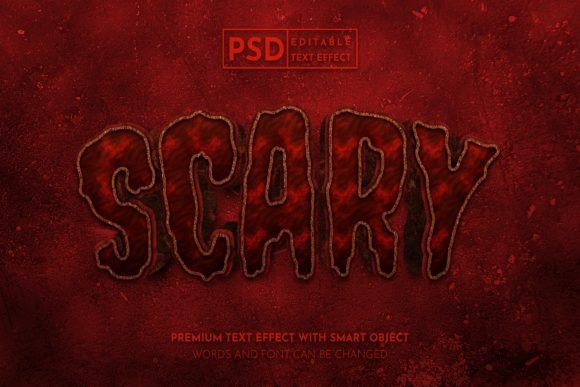
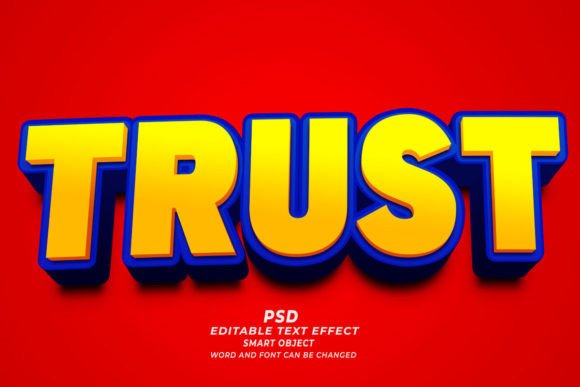
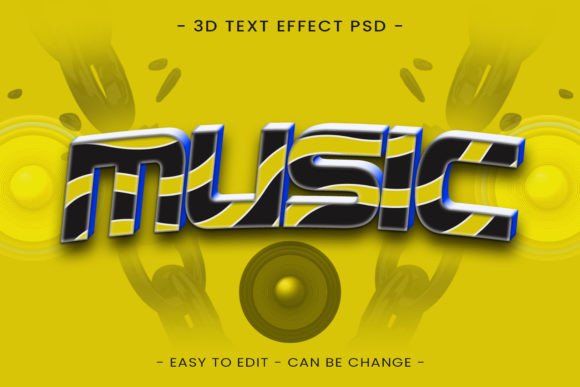
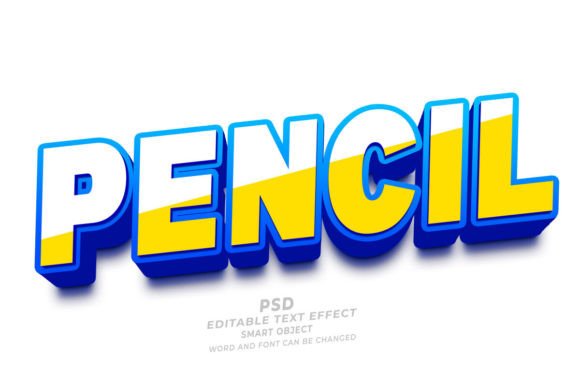
A Pencil PSD 3D Editable Text Effect is a pre-configured Adobe Photoshop file that utilizes Smart Objects to apply complex layer styles to user-defined text. Unlike manually crafting a pencil sketch effect—which involves selecting brushes, adjusting opacity, creating displacement maps, and lighting scenarios—this asset provides a ready-made framework. The core functionality relies on Photoshop's Smart Object technology. Users simply open the file, locate the designated Smart Object layer, replace the placeholder content with their own text, vector shapes, or logos, and save. The software automatically renders the new content with the predefined pencil texture, shading, shadows, and 3D extrusion.
These files typically operate at high resolutions, such as 300 DPI, making them suitable for both digital displays and physical print applications. The "editable" nature extends beyond just the characters; most reputable packs allow for adjustments to font family, size, and color, providing a degree of customization within the constraints of the original style.
Primary Use Cases and Applications
The versatility of the Pencil PSD 3D editable text effect with background makes it applicable across various mediums. Understanding where these effects shine helps in assessing their value for your workflow.
- Print on Demand (POD) and Merchandise: The organic, hand-sketched look of pencil textures pairs exceptionally well with T-shirt designs. The 3D element adds a level of sophistication that flat vector art sometimes lacks, appealing to markets looking for artistic or vintage-inspired apparel.
- Book Cover Design (KDP): For authors publishing via Kindle Direct Publishing, particularly in genres like memoirs, journals, or educational materials, a pencil-sketch title can convey creativity and approachability. The high-resolution output ensures the text remains crisp on printed covers.
- Web Banners and Marketing Materials: In digital marketing, standing out is crucial. A 3D pencil effect can break the monotony of flat web design, drawing attention to call-to-action buttons or promotional headers without requiring custom illustration.
- Educational and Creative Branding: Brands associated with art supplies, schools, or creative workshops often utilize this aesthetic to reinforce their identity as tools for creation.
Benefits of Using Pre-Made PSD Effects
The primary advantage of utilizing a PSD Text Effect over manual creation is efficiency. Achieving a realistic pencil stroke with proper 3D lighting and shadowing manually can take hours of trial and error. With an editable template, the turnaround time is reduced to minutes. This is particularly beneficial for designers working under tight deadlines or those managing high-volume projects, such as generating multiple variations of a banner for A/B testing.
Furthermore, these assets democratize advanced design techniques. A designer who excels in layout but struggles with texture rendering can achieve professional-grade results by leveraging the work of specialists who created the effect. The inclusion of backgrounds in some packages further simplifies the process, providing a cohesive scene where the text integrates naturally with environmental elements, reducing the need for separate compositing work.
Tradeoffs and Considerations
While the convenience is undeniable, there are tradeoffs to consider when integrating a Pencil PSD 3D Editable Text Effect into a professional workflow.
Lack of Unique Identity: Because these files are often sold on marketplaces to hundreds of users, there is a risk that the same effect may appear in other projects. If brand distinctiveness is the highest priority, relying solely on a stock effect may dilute uniqueness. Customization is key; users should modify colors, lighting angles, or combine the effect with other textures to create a hybrid style.
Software Dependency: These assets require Adobe Photoshop. They are not compatible with vector-based software like Illustrator or free alternatives like GIMP unless those programs can fully interpret Photoshop's specific Smart Object and layer style data, which is often not the case. This creates a barrier for teams not standardized on the Adobe ecosystem.
Text Length Limitations: Complex 3D effects often look best with short, punchy headlines. Long paragraphs of text rendered in a heavy 3D pencil style can become visually cluttered and difficult to read. Designers must evaluate whether their copy length suits the visual weight of the effect.
When to Choose This Effect vs. Alternatives
Deciding whether to use this tool depends on the project goals. The Pencil PSD 3D Editable Text Effect is a strong fit when:
- Speed is critical: You need a high-quality textured result immediately without spending hours on layer styles.
- The aesthetic matches the brand: The project calls for a handmade, artistic, or sketch-like vibe that aligns with the client's vision.
- Budget constraints exist: Hiring an illustrator to hand-draw and scan 3D text is expensive; a PSD template offers a cost-effective alternative.
However, alternatives may be worth considering if:
- Scalability is paramount: If the design needs to be scaled infinitely for large-format signage without any pixelation, a native vector illustration in Illustrator might be superior, although 300 DPI PSDs are generally sufficient for most print sizes.
- Total creative control is required: If the project demands a very specific type of pencil grain or lighting direction that the template does not offer, building the effect from scratch allows for granular control over every brush stroke and shadow.
- Accessibility is a concern: Highly textured 3D text can sometimes reduce readability for users with visual impairments. In such cases, a flatter, high-contrast typographic approach is often more inclusive.
Practical Decision-Making Insights
Before downloading or purchasing a Pencil PSD 3D editable text effect with background, review the file specifications carefully. Ensure the included fonts are either free for commercial use or that you possess the necessary licenses. Check the resolution to confirm it meets your output needs; while 300 DPI is standard for print, ensure the canvas dimensions are large enough for your intended application.
Additionally, test the editability. Some templates claim to be fully editable but may have restrictions on character count or specific font weights that break the layer styles. A quick test run with your actual copy can prevent workflow bottlenecks later.
Ultimately, the Pencil PSD 3D Editable Text Effect is a powerful utility in a modern designer's toolkit. It bridges the gap between complex texturing techniques and rapid production needs. By understanding its capabilities and limitations, designers can make informed decisions, using these assets to enhance productivity while maintaining the quality and intent of their visual communications. Whether for a T-shirt design, a web header, or a book cover, the right application of this tool can elevate a standard typographic layout into a compelling visual statement.